

In today’s digital workplace, email remains the cornerstone of professional communication. Whether you’re reaching out to a potential client, coordinating with team members, or responding to customer inquiries, how you craft your emails can significantly impact your professional reputation and success. Understanding and implementing proper email etiquette isn’t just about being polite—it’s about communicating effectively, building stronger relationships, and achieving better business outcomes.
Start with a Clear and Professional Subject Line
Your subject line is the first impression your email makes. A well-crafted subject line should immediately convey the purpose of your message while being specific enough to stand out in a crowded inbox. Avoid vague subjects like “Quick question” or “Important” that don’t provide context. Instead, opt for descriptive subjects such as “Meeting Request: Q1 Budget Review” or “Follow-up on Marketing Proposal Submitted Dec 15.”
Keep subject lines concise, ideally under 50 characters, to ensure they display fully on mobile devices. This small detail can significantly increase your email open rates and ensure your message receives the attention it deserves.
Use a Professional Email Address
Your email address speaks volumes about your professionalism. For business communications, always use an address that includes your name or your company name. Addresses like
john.smith@company.com
or
contact@yourbusiness.com
establish credibility immediately. Avoid using outdated or casual email addresses from your personal life that might include nicknames, numbers, or unprofessional terms.
If you’re a freelancer or entrepreneur, consider investing in a custom domain email address. This simple step elevates your professional image and makes your communications more memorable and trustworthy.
19 Essential Email Etiquette Tips
1. Triple-Check Before Sending
A single typo or misspelled name can damage your credibility instantly. Always proofread your emails carefully or use tools like Grammarly to catch grammar, spelling, and punctuation errors. Verify all details, especially recipient names, before hitting send.
2. Craft Clear Subject Lines
Your subject line should preview your email’s content. Replace vague phrases like “Hello” or “Checking in” with specific descriptions that help recipients understand your message at a glance and prioritize their response.
3. Start With a Proper Greeting
Every email needs an appropriate opening. Professional greetings include:
- Dear [recipient’s name]
- Hi [recipient’s name]
- Hello [recipient’s name]
4. End With a Professional Sign-Off
Close your emails with an appropriate sign-off followed by your name. Common options include:
- Regards
- Best
- Sincerely
- Thanks
- Cheers
5. Keep It Brief
Respect your recipient’s time by staying focused. Avoid unnecessary details and multiple topics in one message. Make your emails scannable so readers can quickly grasp your main points and respond efficiently.
6. Include All Necessary Information
While brevity matters, don’t sacrifice completeness. Include every relevant detail in your first email to avoid awkward follow-ups. Review carefully before sending to ensure you haven’t omitted important information that could delay the conversation.
7. Allow 24 Hours for Responses
Give recipients time to reply before following up. While urgency and relationship dynamics vary, waiting at least 24 hours demonstrates patience and professionalism.
Conversely, aim to respond to emails within 24 hours yourself. Prompt replies show you value others’ time and keep projects moving forward.
8. Set Up Out-of-Office Replies
Before taking time off, activate your autoresponder. Your message should include your return date and an alternate contact for urgent matters, ensuring seamless communication while you’re away.
9. Use BCC Strategically
Blind carbon copy (bcc) lets you email large groups without exposing individual addresses. Recipients can’t see who else received the message or reply-all to everyone, which keeps inboxes clean and protects privacy.
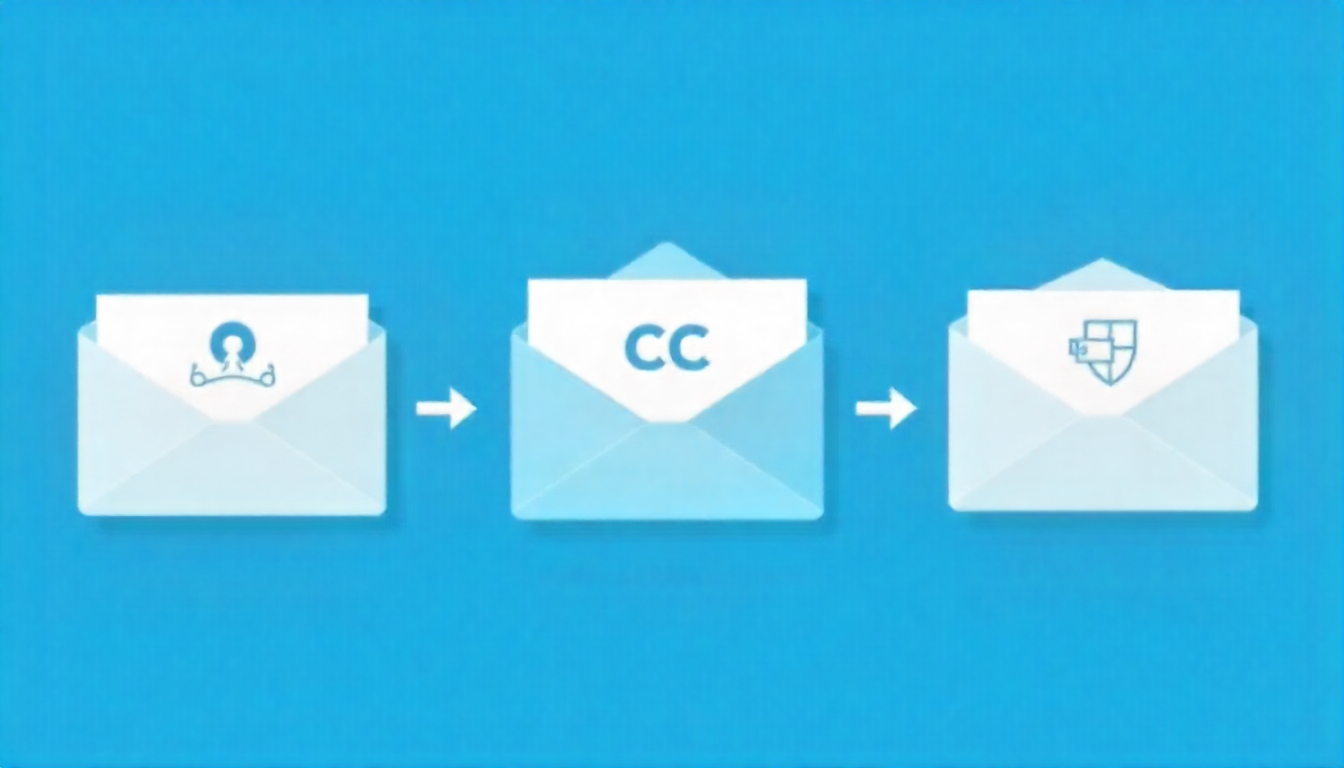
10. Apply CC Correctly
Carbon copy (cc) includes additional recipients who need visibility but may not need to respond. For example, cc your manager on cross-departmental conversations to keep them informed without requiring their input.
11. Think Before Using Reply-All
Only use reply-all when everyone needs your response. If your message is relevant only to the sender, reply individually to avoid cluttering others’ inboxes with unnecessary messages.
12. Mind Your Tone
Strike a balance between warmth and professionalism in business emails. Avoid overly casual language, slang, and tangents while remaining polite and approachable. A curt tone can be misinterpreted, so choose your words carefully.
13. Limit Emoji Use
Generally avoid emoji in professional emails. Occasional use may be acceptable—like celebrating team wins—but follow your workplace culture and manager’s lead to determine appropriateness.
14. Explain Attachments Clearly
When including files, describe what you’re sharing and what action you need from recipients—whether reviewing, commenting, signing, or approving. Clear context prevents confusion and ensures prompt action.
15. Follow Up Important Conversations
Send summary emails after phone calls or meetings to document key points and action items. This approach keeps discussions fresh, creates a reference trail, and prevents miscommunication by allowing participants to clarify or ask questions.

16. Tailor Your Message to Your Audience
Adjust your language based on who’s receiving your email. Use industry jargon with colleagues who understand it, but stick to plain language for external contacts. Similarly, maintain formality with executives and professors while being more relaxed with peers.
17. Use Punctuation Properly
Excessive exclamation points seem overexcited, while ellipses can feel ominous. Follow standard punctuation rules: use periods to end sentences, save exclamation points for truly exciting news, and proofread for errors before sending.
18. Write Only What You’d Say Publicly
Never write anything in an email you wouldn’t want read aloud. Emails can be forwarded, screenshotted, or printed, so avoid venting frustrations or sharing gossip. Keep all correspondence professional and appropriate.
19. Stick to Standard Formatting
Use professional fonts like Arial, Helvetica, or Times New Roman that display correctly across all devices and platforms. Follow this standard structure:
- Greeting
- Opening section
- One or two body sections
- Closing section
- Sign-off
Frequently Asked Questions
How quickly should I respond to professional emails?
Aim to respond to professional emails within 24 hours, even if it’s just to acknowledge receipt and indicate when you’ll provide a full response. For urgent matters, respond within a few hours during business hours. If you need more time to gather information or make decisions, send a brief message letting the sender know you received their email and when they can expect your complete reply.
Is it okay to use emojis in professional emails?
Emojis should generally be avoided in formal business correspondence, especially in initial communications, emails to senior executives, or messages to clients you don’t know well. However, in established relationships with colleagues or in creative industries with casual cultures, a single appropriate emoji can add warmth. When in doubt, leave them out and stick to professional language.
What’s the best time to send professional emails?
Send emails during standard business hours (9 AM to 5 PM) in the recipient’s time zone when possible. Avoid sending emails late at night or on weekends unless it’s urgent or expected in your industry. While you can draft emails anytime, consider using the scheduled send feature to deliver them during appropriate hours, showing respect for work-life boundaries.
How long should a professional email be?
Keep professional emails concise—ideally between 50 and 125 words for routine correspondence. If you need to communicate complex information, aim for no more than 300-400 words and use formatting like bullet points and subheadings to improve readability. If your message requires more than five paragraphs, consider attaching a document or scheduling a meeting instead.
What should I do if I send an email to the wrong person?
Act quickly by sending a follow-up email to both the intended and unintended recipients. Apologize briefly to the wrong recipient and ask them to disregard or delete the message. Send the correct email to your intended recipient with a brief note acknowledging the error. If the email contained sensitive information, notify your supervisor or IT department immediately.
Is it unprofessional to use exclamation points in business emails?
Exclamation points aren’t inherently unprofessional, but they should be used sparingly and strategically. One exclamation point in a greeting (“Good morning!”) or closing (“Thank you!”) can add warmth without seeming overly enthusiastic. Avoid using multiple exclamation points or using them in every sentence, as this can appear unprofessional or desperate.
How do I address someone when I don’t know their gender?
Use the person’s full name without a title (e.g., “Dear Jordan Smith” or “Hello Taylor Johnson”). Alternatively, use a neutral greeting like “Hello” or “Good morning” followed by their first and last name. You can also use their professional title if known (e.g., “Dear Dr. Smith” or “Hello Professor Johnson”). Avoid assuming gender based on names.
Should I send a thank you email after every meeting or interaction?
Thank you emails are appropriate after job interviews, important client meetings, networking events, or when someone has gone out of their way to help you. However, they’re not necessary after routine internal meetings or daily interactions with colleagues. When you do send them, make them specific and genuine rather than generic, mentioning particular points of value from the interaction.
What’s the difference between CC and BCC, and when should I use each?
CC (carbon copy) makes all recipients visible to each other and is used when people need to be informed but aren’t primary recipients. BCC (blind carbon copy) hides recipients from each other and is ideal for protecting privacy in mass emails, preventing “reply all” chains, or discreetly keeping someone informed. Never use BCC deceptively to hide that you’re copying someone on a message.
Conclusion
Mastering email etiquette is an essential skill that can significantly impact your professional success. By implementing these rules—from crafting clear subject lines and maintaining appropriate tone to responding promptly and using CC appropriately—you’ll communicate more effectively, build stronger professional relationships, and enhance your credibility in the workplace.
Remember that email etiquette isn’t about rigid rules but about respect, clarity, and professionalism. As workplace communication continues to evolve, these fundamental principles remain constant: be clear, be courteous, and be considerate of your recipient’s time. Whether you’re new to the professional world or looking to refine your communication skills, practicing good email etiquette will serve you well throughout your career. Take the time to review your emails before sending, consider your recipient’s perspective, and always aim to communicate with purpose and professionalism.