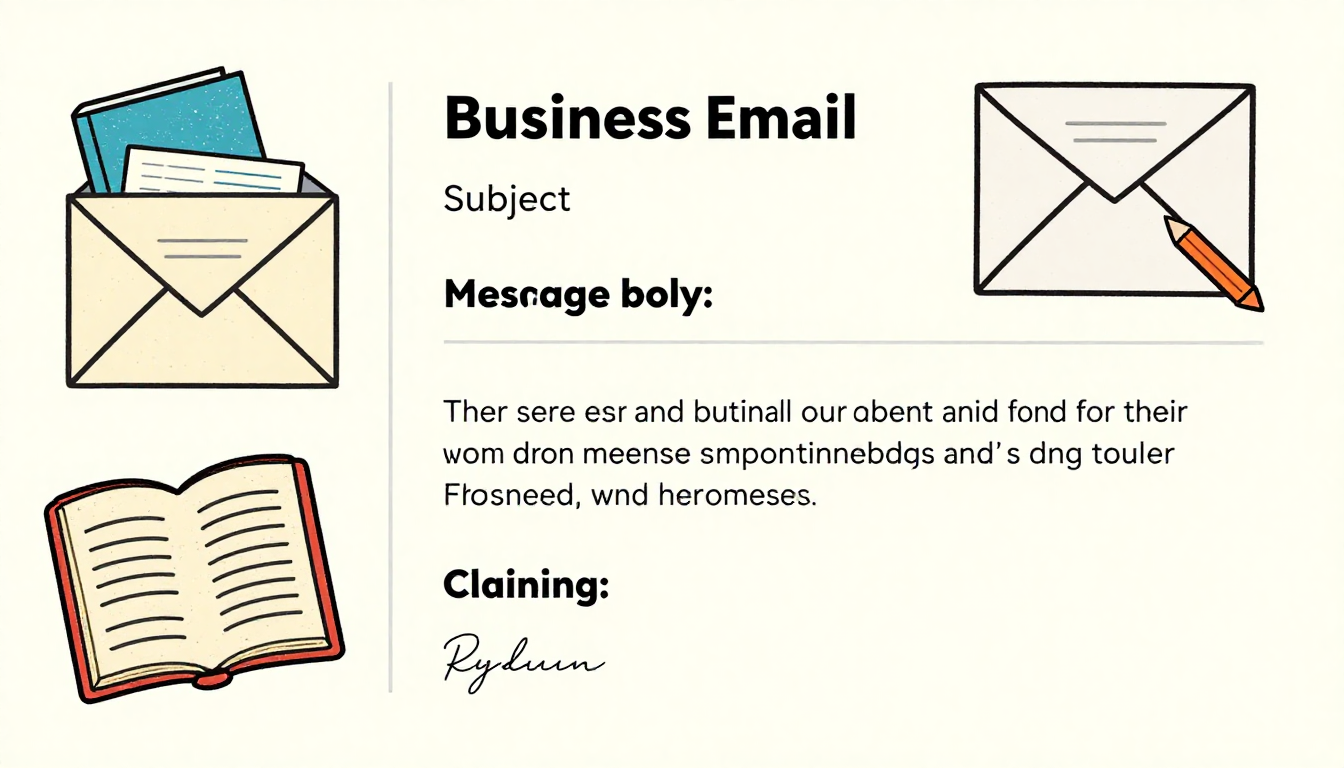

In today’s digital-first business environment, email remains the backbone of professional communication. Whether you’re corresponding with colleagues, clients, or supervisors, understanding proper email etiquette for workplace interactions can significantly impact your professional reputation and career trajectory. Despite the rise of instant messaging platforms and collaboration tools, email continues to serve as the primary medium for formal business communication, making it essential to master the art of professional email writing.
Why Email Etiquette Matters in Modern Workplaces
Poor email practices can lead to misunderstandings, damaged professional relationships, and missed opportunities. A hastily written message with unclear intent or inappropriate tone can create confusion and potentially harm your credibility. Conversely, well-crafted emails demonstrate professionalism, attention to detail, and respect for your recipients’ time. Organizations that prioritize strong communication standards often experience improved collaboration, reduced conflicts, and enhanced productivity across teams.

The stakes are particularly high in remote and hybrid work environments where email often serves as the primary touchpoint between team members. Without the benefit of face-to-face interaction or body language cues, your written communication must carry the full weight of your message, making adherence to email etiquette for workplace communication more critical than ever.
Crafting the Perfect Subject Line
Your subject line is the first impression you make and determines whether your email gets opened promptly or buried in an overflowing inbox. An effective subject line should be concise, specific, and action-oriented. Instead of vague headers like “Question” or “Update,” opt for clear, informative alternatives such as “Q1 Budget Review Meeting – Action Required by Friday” or “Marketing Campaign Results – January 2026.”
Keep subject lines under 50 characters when possible to ensure they display fully on mobile devices. Include relevant keywords that help recipients quickly categorize and prioritize your message. For urgent matters, consider prefacing your subject with tags like “URGENT” or “TIME-SENSITIVE,” but use these sparingly to maintain their effectiveness. Avoid using all caps or excessive punctuation, which can appear unprofessional or trigger spam filters.
Opening Your Email Professionally
The greeting sets the tone for your entire message and reflects your understanding of email etiquette for workplace standards. Begin with an appropriate salutation based on your relationship with the recipient and your organizational culture. “Dear Mr. Johnson” or “Dear Dr. Smith” works well for formal communications or first-time contacts, while “Hi Sarah” or “Hello Team” suits more casual workplace environments.
When addressing groups, be thoughtful about your approach. “Hi everyone” or “Good morning team” creates an inclusive tone, while “Dear colleagues” maintains formality. Avoid overly casual greetings like “Hey” or “Yo” in professional settings, regardless of how well you know the recipient. If you’re unsure about the appropriate level of formality, err on the side of being more professional until you establish the communication norms within your workplace.
Writing Clear and Concise Body Content
The body of your email should deliver your message efficiently while maintaining professionalism. Start with your main point or purpose in the opening paragraph—busy professionals appreciate getting straight to the point. Structure longer emails with clear paragraphs, each covering a single topic or idea. Use white space strategically by breaking up dense text blocks to improve readability.
When presenting multiple points or action items, use bullet points or numbered lists to enhance clarity. This formatting technique makes your email easier to scan and ensures important details don’t get lost in lengthy paragraphs. For complex topics, consider using bold text to highlight key information, but use this sparingly to maintain its effectiveness.
Maintain a professional yet conversational tone that aligns with your company culture. Avoid overly formal language that sounds stiff or robotic, but equally steer clear of casual slang, emojis, or text-speak in professional correspondence. Remember that understanding proper email etiquette for workplace communication means striking the right balance between professionalism and approachability.
Respecting Time and Clarity
One of the most important aspects of email etiquette for workplace success involves respecting your recipients’ time. Before sending an email, ask yourself whether it’s the most appropriate communication channel for your message. Quick questions might be better suited for instant messaging, while complex discussions often benefit from scheduled meetings or phone calls.
Keep your messages as brief as possible while still conveying all necessary information. If your email requires more than three scrolls on a standard screen, consider whether you can condense the content, attach a document, or schedule a meeting instead. When you do need to send longer emails, include a brief summary at the top outlining the key points and any required actions.
Be explicit about what you need from recipients. Instead of ending with vague statements like “Let me know your thoughts,” provide specific calls to action such as “Please review the attached proposal and share your feedback by Thursday at 3 PM.” This clarity helps recipients prioritize their responses and reduces the need for follow-up emails.
Proper Use of CC and BCC
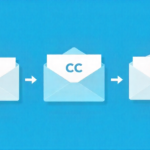
Understanding when and how to use carbon copy (CC) and blind carbon copy (BCC) fields demonstrates advanced email etiquette for workplace mastery. Use CC to keep relevant parties informed about conversations that don’t require their direct action. However, be selective—overusing CC clutters inboxes and can frustrate colleagues who receive numerous emails that don’t pertain to them.
Never use “Reply All” unless your response genuinely needs to reach everyone on the original thread. Unnecessary reply-all messages contribute to email overload and can annoy recipients who don’t need to see your response. Before hitting that button, pause and consider whether individual replies would be more appropriate.
BCC serves specific purposes, primarily when sending emails to large groups where recipients shouldn’t see each other’s addresses, such as newsletters or announcements. However, avoid using BCC to secretly loop someone into a conversation, as this can damage trust if discovered.
Managing Attachments and Links
When sharing files, follow best practices that respect recipients’ time and technology constraints. Mention attachments in your email body so recipients know to look for them, using phrases like “Please see the attached quarterly report” or “I’ve attached the updated presentation for your review.” This prevents confusion if the attachment fails to upload properly.
Consider file size limitations—most email systems have caps between 10-25 MB. For larger files, use cloud storage services like Google Drive, Dropbox, or OneDrive, and share access links instead. When sharing links, provide context about what recipients will find and why it’s relevant rather than simply dropping URLs into your message.
Use clear, descriptive file names that help recipients immediately understand the content. “Q4_Sales_Report_2025_Final.pdf” is infinitely more helpful than “Document1.pdf.” This attention to detail reflects strong email etiquette for workplace communication and makes it easier for recipients to organize and reference your materials later.
Response Timing and Follow-Up Protocol
Timely responses are crucial for maintaining professional relationships and workflow efficiency. Aim to acknowledge emails within 24 hours, even if you can’t provide a complete response immediately. A brief reply like “Thanks for your email. I’m reviewing the details and will get back to you by Wednesday” shows respect and manages expectations.
For urgent matters requiring quick turnaround, indicate this clearly in both your subject line and opening paragraph. However, avoid labeling everything as urgent, which diminishes the impact when truly time-sensitive issues arise. If you don’t receive a response within a reasonable timeframe, send a polite follow-up email rather than assuming your original message was ignored.
Closing Your Emails Professionally
End your emails with an appropriate sign-off that matches your opening tone and organizational culture. Professional closings include “Best regards,” “Sincerely,” “Thank you,” or simply “Best.” Avoid overly casual sign-offs like “Cheers” or “XOXO” in professional settings, and never leave emails without a closing—it appears abrupt and unprofessional.
Your email signature should include essential contact information: full name, job title, company name, phone number, and relevant links to your professional profiles or company website. Keep signatures concise and avoid excessive graphics, quotes, or colors that can appear unprofessional or create display issues across different email clients.
Proofreading and Final Checks
Before sending any professional email, take a moment to proofread carefully. Typos, grammatical errors, and formatting issues can undermine your credibility and distract from your message. Read your email aloud to catch awkward phrasing or unclear statements. Check that you’ve attached any mentioned files and that all links work properly.
Verify recipient addresses to avoid embarrassing mistakes like sending confidential information to the wrong person. Double-check names and titles for accuracy, as misspelling someone’s name is a significant professional faux pas. These final checks demonstrate your commitment to excellence and your mastery of email etiquette for workplace communication.
Frequently Asked Questions
What is the appropriate response time for work emails?
Aim to respond within 24 hours during business days, even if it’s just an acknowledgment. For urgent matters, respond within 2-4 hours when possible to maintain professional communication standards.
Should I use emojis in professional emails?
Avoid using emojis in formal business emails as they can appear unprofessional. Reserve emojis for very casual workplace communications with colleagues you know well, and even then use them sparingly.
When should I use “Reply All” versus “Reply”?
Use “Reply All” only when your response is relevant to everyone on the thread. Use “Reply” for messages directed at the original sender to avoid cluttering inboxes unnecessarily.
Is it okay to send work emails outside business hours?
While you can compose emails anytime, consider scheduling them to send during business hours to respect work-life boundaries. If you must send after hours, clarify that no immediate response is expected.
How long should a professional email be?
Keep emails concise—ideally under 200 words for routine communications. If your message requires more than three paragraphs, consider whether a meeting or phone call would be more effective.
What should I include in my email signature?
Include your full name, job title, company name, phone number, and professional website or LinkedIn profile. Keep it simple and avoid excessive graphics, quotes, or personal information.
Can I forward emails without permission?
Always ask permission before forwarding emails containing sensitive information or private conversations. For general business communications, use your judgment based on content sensitivity and organizational norms.
How do I handle forwarded email chains?
Provide context at the top explaining why you’re forwarding the chain and what action you need. Consider summarizing long threads instead of forwarding the entire conversation.
Should I use read receipts for work emails?
Avoid using read receipts as they can feel intrusive and micromanaging. If you need confirmation, politely request acknowledgment in your message or follow up after a reasonable time.
What’s the best way to address someone I’ve never emailed before?
Use formal titles and last names (Dear Ms. Johnson, Dear Dr. Smith) until the recipient indicates a preference. Research proper pronunciation and spelling of names to show respect and attention to detail.
Conclusion
Mastering email etiquette for workplace success is an ongoing process that requires attention, practice, and adaptation to your specific organizational culture. By implementing these guidelines consistently, you’ll build a reputation as a clear, professional communicator who respects others’ time and fosters productive working relationships. Remember that every email you send contributes to your professional brand, making it worth the extra effort to ensure your messages reflect your best work.