
Email remains one of the most powerful communication tools in business. Whether you’re reaching out to a potential client, coordinating with team members, or following up on a project, how you compose your emails can significantly impact your professional reputation. Poor email etiquette can lead to misunderstandings, missed opportunities, and damaged relationships.
In today’s fast-paced digital workplace, mastering email etiquette isn’t just about being polite—it’s about being effective. The average professional receives over 120 emails per day, which means your message needs to stand out for the right reasons. Following proper email etiquette ensures your communications are clear, professional, and respectful of your recipient’s time.
Let’s explore ten fundamental rules that will transform your email communication and help you build stronger professional relationships.
Use a Clear and Specific Subject Line
Your subject line is the first thing recipients see, and it often determines whether your email gets opened immediately or buried in their inbox. A vague subject line like “Question” or “Quick note” tells the recipient nothing about your email’s content or urgency.
Instead, craft subject lines that clearly communicate your email’s purpose. For example, “Q4 Budget Proposal – Review Needed by Friday” is far more effective than “Budget Stuff.” Specific subject lines help recipients prioritize their inbox and find your email later when searching through their messages.
When replying to email threads, be mindful of whether the original subject line still applies. If the conversation has evolved to a new topic, consider updating the subject line to reflect the current discussion. This small change can prevent confusion and keep everyone on the same page.
Start with an Appropriate Greeting
Beginning your email with a proper greeting sets the tone for your entire message. The formality of your greeting should match your relationship with the recipient and the context of your communication. For new contacts or formal situations, use traditional greetings like “Dear Mr. Smith” or “Hello Dr. Johnson.”
For established professional relationships, “Hi Sarah” or “Hello team” works well. Avoid overly casual greetings like “Hey” or “Yo” in professional contexts, as they can come across as unprofessional or disrespectful. When you’re unsure about the appropriate level of formality, err on the side of being more formal—you can always become more casual as the relationship develops.
Generic greetings like “To whom it may concern” should be reserved for situations where you genuinely don’t know the recipient’s name. Whenever possible, take a moment to research and use the person’s actual name. This small effort shows respect and attention to detail.
Keep Your Message Clear and Concise
Busy professionals appreciate emails that get to the point quickly. Structure your email so the main message appears in the first few sentences. If you need to provide background information or additional details, include them after stating your primary purpose.
Use short paragraphs and bullet points to break up long blocks of text. This formatting makes your email easier to scan and digest. When you have multiple questions or action items, number them clearly so the recipient can address each point systematically in their response.
Avoid unnecessary jargon, complicated language, or excessive details that don’t serve your email’s purpose. If your message requires extensive explanation, consider whether a phone call or meeting might be more appropriate. Remember, every sentence in your email should add value and move toward your intended outcome.
Mind Your Tone and Language
Email lacks the vocal inflection and body language that help convey tone in face-to-face conversations. This makes it easy for messages to be misinterpreted. Words that seem neutral to you might come across as curt or aggressive to the recipient.
Before hitting send, read your email from the recipient’s perspective. Are you using accusatory language or making demands? Replace phrases like “You didn’t send me” with “I haven’t received” or “You need to” with “Could you please.” These small adjustments can dramatically change how your message is received.
Avoid using all caps, excessive exclamation points, or highlighting everything in bold or red text. These formatting choices can make your email feel aggressive or emotionally charged. If you’re writing about a sensitive topic or delivering criticism, consider whether email is the appropriate medium for that conversation.
Proofread Before Sending
Typos, grammatical errors, and spelling mistakes undermine your credibility and professionalism. They suggest carelessness and can distract from your message’s content. Before sending any email, especially important ones, take a moment to proofread carefully.
Read your email out loud if possible—this helps catch awkward phrasing and run-on sentences that your eyes might skip over when reading silently. Pay special attention to the recipient’s name and company name, as errors here are particularly embarrassing and noticeable.
Don’t rely solely on spell check, as it won’t catch correctly spelled words used in the wrong context (like “their” instead of “there”). For particularly important emails, consider drafting your message, stepping away for a few minutes, and then reviewing it with fresh eyes before sending.
Use Professional Formatting
Proper formatting enhances readability and demonstrates professionalism. Use a standard, easy-to-read font like Arial, Calibri, or Times New Roman in 10-12 point size. Avoid decorative fonts, unusual colors, or distracting backgrounds that make your email hard to read.
Structure longer emails with clear paragraph breaks and white space. When appropriate, use numbered lists for sequential steps or bullet points for non-sequential information. Bold or italicize sparingly to emphasize key points, but don’t overuse these features or they lose their impact.
Include a professional email signature with your full name, job title, company name, and contact information. This makes it easy for recipients to reach you through alternative channels and reinforces your professional identity. Keep your signature concise—avoid including inspirational quotes, lengthy disclaimers, or oversized logos.
Be Mindful of Reply All
The “Reply All” button has caused countless workplace embarrassments and inbox clutter. Before using it, carefully consider whether everyone on the email thread truly needs to see your response. In many cases, replying only to the sender or to specific individuals is more appropriate.
Using Reply All is appropriate when your response contains information that everyone on the thread needs to know or when you’re answering a question posed to the group. However, simple acknowledgments like “Thanks” or “Got it” rarely need to go to everyone.
Similarly, be cautious about hitting “Reply” when you mean to forward an email. This mistake can lead to embarrassing situations where you accidentally send comments about someone directly to that person. Take an extra second to verify you’re using the correct function before sending.
Respect Response Time Expectations
Email doesn’t require the immediate response that phone calls or text messages demand, but that doesn’t mean you should leave messages unanswered indefinitely. As a general rule, aim to respond to emails within 24 hours during business days, even if it’s just to acknowledge receipt and set expectations for a more detailed response later.
If you need time to gather information or make a decision, send a brief acknowledgment like “Thanks for your email. I’ll need until Thursday to review this properly and will get back to you then.” This courtesy keeps the sender informed and prevents follow-up emails asking if you received the original message.
When you’re out of office or unavailable for an extended period, set up an auto-reply message explaining your absence and providing an alternative contact if urgent matters arise. This manages expectations and ensures important issues don’t fall through the cracks.
Be Careful with Attachments
Before attaching files to your email, mention them in your message body. Include a brief description of what you’re attaching so the recipient knows what to expect. This practice also serves as a reminder to actually attach the files—we’ve all sent that embarrassing follow-up email saying “Here’s the attachment I forgot to include.”
Keep file sizes reasonable. Large attachments can clog inboxes and may be blocked by some email servers. If you need to send large files, consider using cloud storage services like Google Drive or Dropbox and sharing a link instead. Always scan attachments for viruses before sending to protect both yourself and your recipients.
Use clear, descriptive file names rather than generic ones like “Document1.pdf” or “Final.docx.” A file named “Q4_Marketing_Budget_2025.xlsx” is far more useful than “Budget.xlsx” when the recipient needs to locate it later among dozens of other files.
End with a Professional Closing
Just as your opening greeting sets the tone, your closing leaves a lasting impression. Choose a closing that matches your email’s formality level and your relationship with the recipient. Standard professional closings include “Best regards,” “Sincerely,” “Thank you,” or “Best.”
For more casual professional relationships, “Thanks,” “Cheers,” or “Best” work well. Avoid overly formal closings like “Respectfully yours” unless you’re writing to high-level executives or government officials. Similarly, skip overly casual sign-offs like “TTYL” or “Catch you later” in professional contexts.
Before your closing, include a clear call to action when appropriate. Tell the recipient exactly what you need from them and by when. This clarity increases the likelihood of getting the response you need and prevents confusion about next steps.
Frequently Asked Questions
How quickly should I respond to professional emails?
Aim to respond within 24 hours during business days, even if it’s just to acknowledge receipt. If you need more time to provide a complete answer, send a brief reply setting expectations for when you’ll follow up with full details.
Is it okay to use emojis in professional emails?
Emojis are generally best avoided in formal business communications, especially with new contacts or senior executives. In established, casual work relationships, a simple smiley face may be acceptable, but use them sparingly and assess your workplace culture first.
Should I use CC or BCC, and what’s the difference?
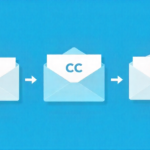
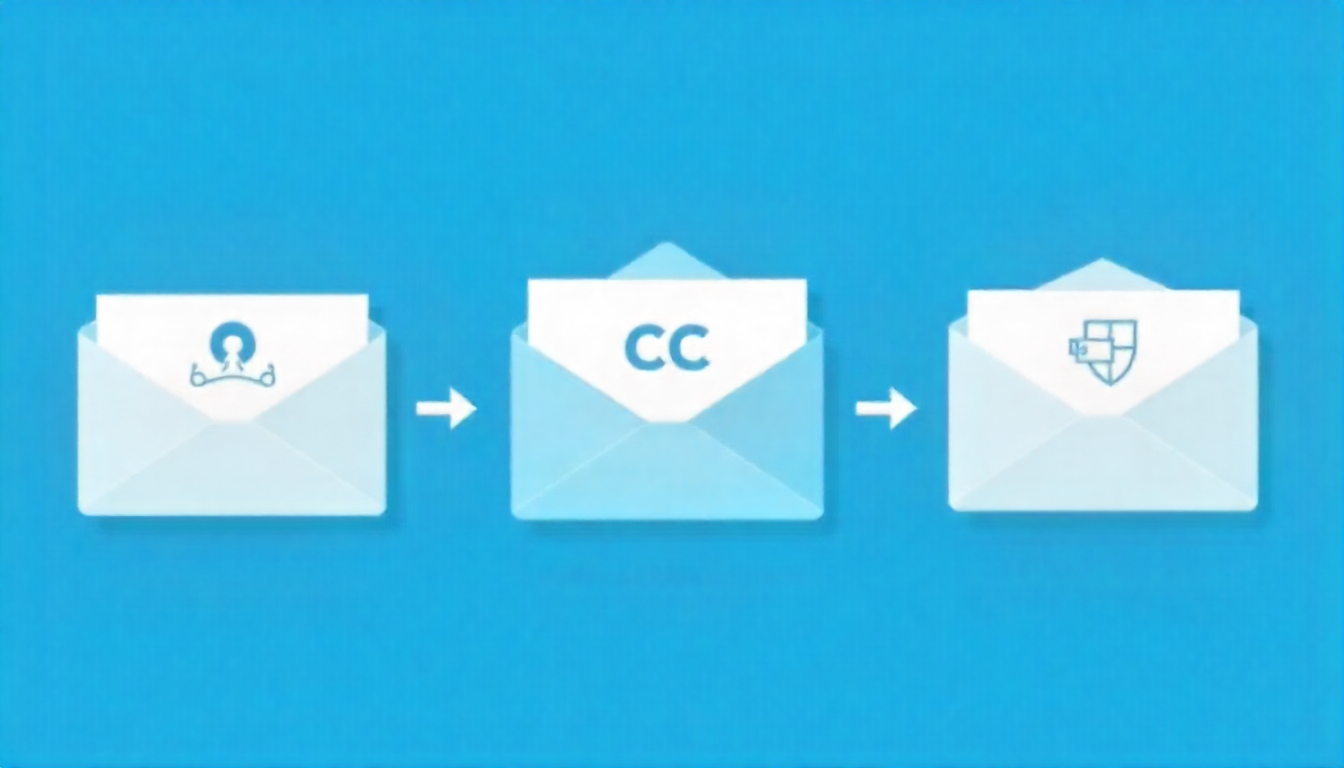
Use CC (carbon copy) when you want recipients to see who else received the email, typically for transparency. Use BCC (blind carbon copy) when emailing large groups to protect privacy or when you don’t want recipients to see the full distribution list.
What’s the best time to send professional emails?
Send emails during normal business hours (9 AM to 5 PM) in the recipient’s time zone when possible. Avoid sending emails late at night or on weekends unless it’s urgent, as this can create pressure for immediate responses.
How long should a professional email be?
Keep emails concise—ideally under 200 words or what fits on one screen without scrolling. If your message requires extensive detail, consider attaching a document or scheduling a call instead of writing a lengthy email.
Can I forward emails without asking permission?
Only forward emails if the content isn’t confidential and the original sender would reasonably expect it might be shared. When in doubt, ask the original sender for permission before forwarding, especially if the email contains sensitive information.
What should I include in my email signature?
Include your full name, job title, company name, phone number, and professional email address. Keep it concise (4-6 lines maximum) and avoid including inspirational quotes, large logos, or excessive social media links.
Is it unprofessional to use exclamation points in emails?
One exclamation point used sparingly is fine to convey enthusiasm or friendliness, such as “Great work!” Multiple exclamation points or overuse throughout your email can appear unprofessional and diminish their impact.
How do I politely follow up on an unanswered email?
Wait 3-5 business days before following up, then send a polite reminder referencing your original email. Use phrases like “I wanted to follow up on my email from [date]” or “Just checking if you had a chance to review my previous message” to remain courteous.
Conclusion
Mastering email etiquette is an investment in your professional success. These ten rules provide a framework for crafting emails that are clear, respectful, and effective. By implementing these practices consistently, you’ll build stronger professional relationships, reduce miscommunication, and enhance your reputation as a thoughtful communicator.
Remember that email etiquette isn’t about following rigid rules for their own sake—it’s about respecting your recipients’ time, communicating clearly, and maintaining professionalism in every interaction. As you practice these guidelines, they’ll become second nature, allowing you to communicate more confidently and effectively in any professional situation.