

In today’s digital workplace, email remains the backbone of professional communication. Despite the rise of instant messaging and collaboration tools, email continues to be the primary channel for formal business correspondence, client communication, and professional networking. However, poor email etiquette can damage your professional reputation, create misunderstandings, and even cost you business opportunities.
Whether you’re a seasoned professional or just starting your career, mastering business email etiquette is essential for success. This comprehensive guide will walk you through the dos and don’ts of professional email communication, helping you craft messages that are clear, respectful, and effective.
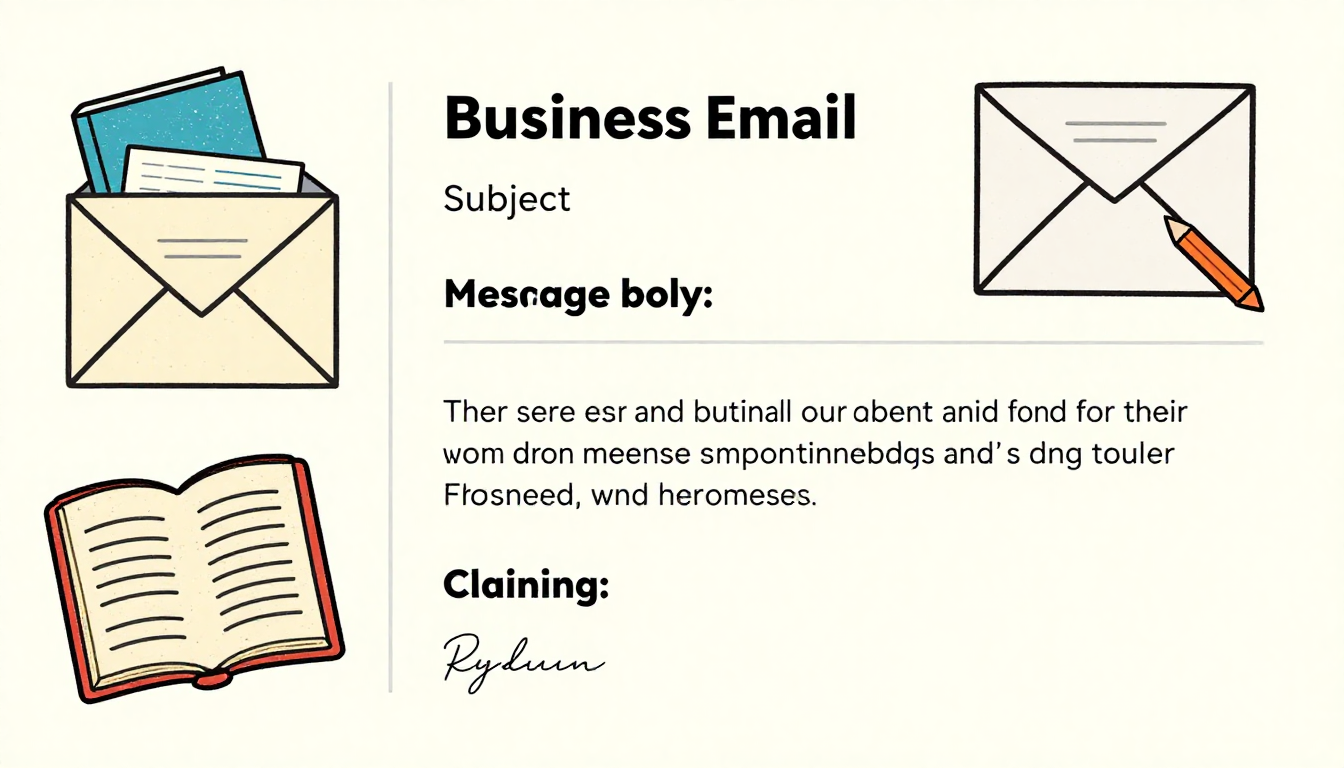
The Foundation: Subject Lines That Get Opened
Your subject line is the first impression your email makes. A well-crafted subject line determines whether your message gets opened immediately, saved for later, or deleted without reading. Keep your subject lines concise yet descriptive, typically between 6-10 words. Avoid vague phrases like “Quick Question” or “Following Up” and instead be specific about your email’s purpose.
For example, instead of writing “Meeting,” use “Proposal Review Meeting – January 15th at 2 PM.” This immediately tells the recipient what the email is about and whether it requires urgent attention. Never use all caps in subject lines as this comes across as shouting and unprofessional. Additionally, avoid using excessive punctuation or clickbait-style language that might trigger spam filters.
Crafting the Perfect Greeting
The way you open your email sets the tone for the entire message. Always use a proper greeting unless you’re part of an ongoing email thread where formalities have been relaxed. For first-time contacts or formal situations, use “Dear Mr./Ms. [Last Name]” or “Dear [Full Name]” if you’re unsure about their preferred title.
In less formal business contexts, “Hello [First Name]” or “Hi [First Name]” works well. Avoid overly casual greetings like “Hey” or “Yo” in professional settings, regardless of how well you know the recipient. If you’re emailing someone whose name you don’t know, “Dear Hiring Manager” or “Dear Customer Service Team” are acceptable alternatives to the outdated “To Whom It May Concern.”
Writing Clear and Concise Messages
Busy professionals receive dozens or even hundreds of emails daily. Respect their time by getting to the point quickly while maintaining politeness. Start with a brief context if necessary, then clearly state your purpose within the first two sentences. Break your email into short paragraphs of 2-4 sentences each, making it easier to scan and digest.
Use bullet points or numbered lists when presenting multiple items or action points. This formatting makes your email more readable and helps ensure nothing gets overlooked. Avoid long, winding sentences that force readers to work hard to understand your message. If your email is getting lengthy, consider whether a phone call or meeting might be more appropriate.
Professional Tone and Language
Your word choice and tone can significantly impact how your message is received. Maintain a professional yet friendly tone throughout your email. Avoid slang, internet abbreviations, and excessive use of emojis, even if your workplace culture is casual. These elements can make you appear unprofessional or immature to clients and senior colleagues.
Be mindful of how your message might be interpreted without vocal cues or body language. What seems like straightforward communication to you might come across as curt or demanding to someone else. When making requests, use polite language like “Would you be able to” or “I would appreciate if you could” rather than direct commands. Words like “please” and “thank you” go a long way in maintaining positive professional relationships.
The Art of Email Timing and Response
Response time matters in business communication. While you don’t need to reply to every email within minutes, aim to respond within 24 hours during business days. If you need more time to provide a complete answer, send a brief acknowledgment letting the sender know you received their message and when they can expect your full response.
Consider your recipient’s schedule when sending emails. Avoid sending non-urgent emails late at night or on weekends, as this can create pressure for immediate responses. If you work outside of standard business hours, use your email client’s scheduling feature to send messages during business hours. This shows respect for work-life boundaries and prevents your emails from getting buried in overnight inbox overflow.
Attachment Etiquette and File Management
When sending attachments, always mention them in your email body so recipients know to look for them. Use clear, descriptive file names instead of generic labels like “Document1.pdf” or “Image.jpg.” For example, “Q4_Sales_Report_2026.pdf” immediately tells the recipient what the file contains.
Be mindful of attachment sizes. Most email systems have limits, typically around 25 MB. For larger files, use cloud storage services like Google Drive or Dropbox and share a link instead. Before sending attachments, ensure you have the right to share the information and that it doesn’t contain sensitive data that should be encrypted or protected.
Proper Use of CC and BCC
Understanding when and how to use CC (carbon copy) and BCC (blind carbon copy) is crucial. Use CC when you want to keep someone informed but don’t require action from them. However, don’t overuse CC as it contributes to email overload. Only copy people who truly need to be in the loop.
Use BCC when sending emails to large groups where recipients don’t need to see each other’s email addresses, such as newsletter distributions or mass announcements. This protects privacy and prevents “reply all” disasters. Never use BCC to secretly copy someone on a conversation as this can damage trust if discovered.
Signature Blocks and Contact Information
A professional email signature provides essential contact information and adds credibility to your messages. Include your full name, job title, company name, phone number, and relevant website or social media links. Keep your signature clean and simple, avoiding excessive graphics, quotes, or multiple colors that can appear cluttered.
Update your signature regularly to reflect current information. If you have a new phone number or have changed roles, make sure your signature reflects these changes. Some professionals include a brief disclaimer or confidentiality notice in their signatures, particularly when dealing with sensitive industries like legal or financial services.
Managing Reply All and Forward Functions
The “Reply All” button is one of the most misused features in email communication. Before clicking it, ask yourself whether everyone on the thread truly needs to see your response. Unnecessary reply-all messages clutter inboxes and can annoy recipients who aren’t directly involved in the conversation.
When forwarding emails, provide context for the recipient. Don’t simply forward a long email thread without explanation. Add a brief note at the top explaining why you’re forwarding the message and what action, if any, you need from the recipient. Also, review the forwarded content to ensure there’s nothing confidential or inappropriate included.
Proofreading and Error Prevention
Nothing undermines your professionalism faster than emails filled with typos, grammatical errors, or formatting issues. Always proofread your email before hitting send. Read it carefully, checking for spelling mistakes, grammatical errors, and clarity of message. Consider reading it aloud to catch awkward phrasing or confusing sentences.
Use your email client’s spell-check feature, but don’t rely on it exclusively as it won’t catch all errors, especially homophones like “their” and “there.” For particularly important emails, consider drafting them in a word processor where you can use more robust editing tools before copying the content into your email.
Closing Your Email Professionally
End your email with an appropriate closing that matches the formality of your message. Common professional closings include “Best regards,” “Sincerely,” “Thank you,” or “Kind regards.” Avoid overly casual closings like “Cheers” or “Later” in professional contexts, and never end an email without a closing.

If you’ve made a request or need action from the recipient, consider ending with a clear call to action or a polite reminder of what you need. For example, “I look forward to hearing your thoughts on the proposal by Friday” or “Please let me know if you need any additional information.
Frequently Asked Questions
What is the best time to send a business email?
The best time to send business emails is during standard business hours, typically between 9 AM and 5 PM on weekdays. Avoid sending non-urgent emails late at night or on weekends to respect work-life boundaries.
How quickly should I respond to business emails?
Aim to respond to business emails within 24 hours during business days. If you need more time for a complete response, send a brief acknowledgment to let the sender know you received their message.
Should I use emojis in professional emails?
Emojis should be used sparingly or avoided in professional emails, especially with clients or senior management. They can appear unprofessional and may not display correctly across different email systems.
When should I use CC versus BCC in emails?
Use CC when you want to keep someone informed who doesn’t need to take action. Use BCC when sending to large groups to protect privacy and prevent reply-all chains.
Is it okay to use abbreviations like FYI or ASAP in business emails?
Common business abbreviations like FYI, ASAP, and ETA are generally acceptable in professional emails. However, avoid text-speak abbreviations like LOL, BTW, or OMG in formal business communication.
How long should a professional email signature be?
A professional email signature should be concise, including your name, title, company, phone number, and relevant links. Keep it to 4-6 lines to avoid appearing cluttered or overwhelming.
What should I do if I accidentally send an email to the wrong person?
Send a brief follow-up email immediately acknowledging the mistake and apologizing. If the email contained sensitive information, inform your supervisor or IT department depending on the severity.
Can I write emails in all lowercase for a casual tone?
Never write professional emails in all lowercase as it appears careless and unprofessional. Always use proper capitalization, even in casual workplace environments.
How do I politely follow up on an unanswered email?
Wait at least 2-3 business days before following up, then send a polite reminder referencing your previous email. Use phrases like “I wanted to follow up on my email from [date]” and avoid sounding demanding.
Should I include a disclaimer in my email signature?
Email disclaimers are common in certain industries like legal, financial, or healthcare where confidentiality is critical. For most other professions, they’re optional but can add a layer of professionalism and legal protection.
Conclusion
Mastering business email etiquette is an ongoing process that requires attention to detail, empathy, and professionalism. By following these guidelines, you’ll create emails that are clear, respectful, and effective, building stronger professional relationships and enhancing your reputation in the workplace.
Remember that email is a reflection of your professional brand. Every message you send contributes to how colleagues, clients, and partners perceive you. Take the time to craft thoughtful, well-written emails that demonstrate your competence and respect for others’ time. As you practice these principles consistently, professional email communication will become second nature, helping you navigate the digital workplace with confidence and success.